Dubsado for Startups: Essential Tools for Efficient Client Management
What is Dubsado?
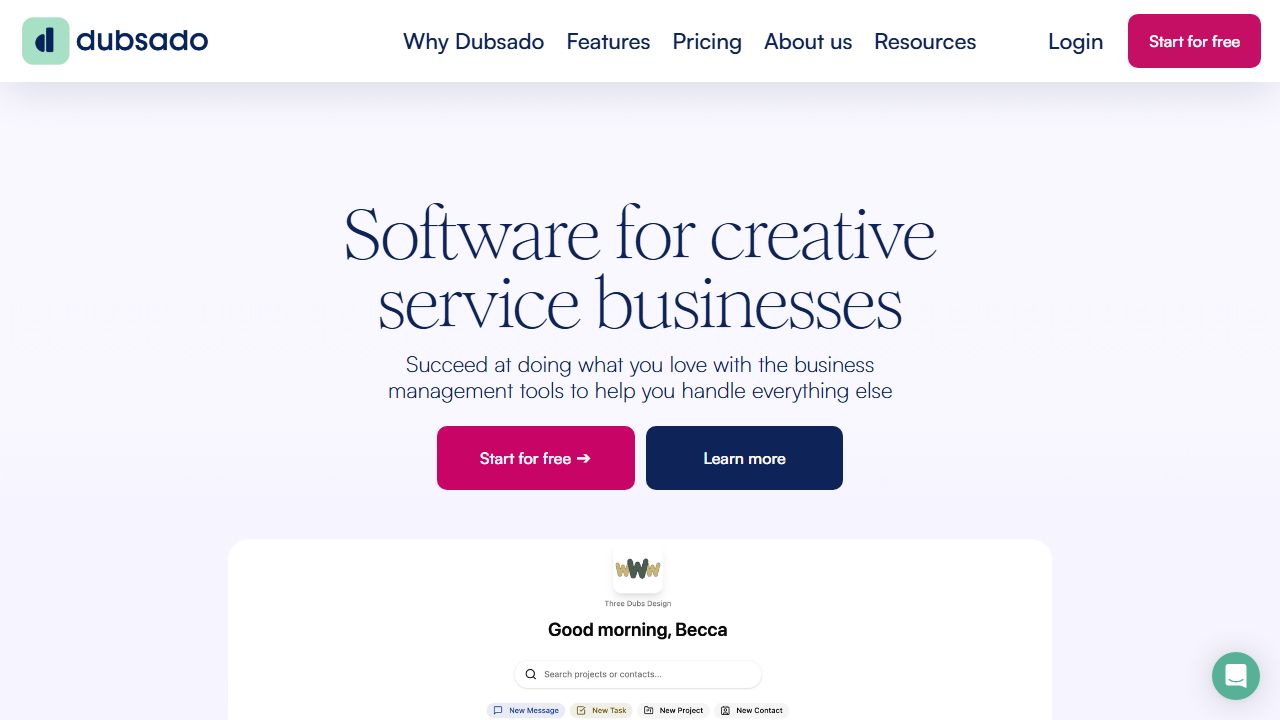
Dubsado is a client and project management platform built for service-based businesses that need structured onboarding, contracts, invoicing, scheduling, and automation in one system. For early-stage startups and agencies that juggle proposals, agreements, and recurring service delivery, Dubsado centralizes the client lifecycle—from lead capture to payment and follow-up—so teams can reduce manual admin and standardize operations. It blends CRM capabilities with powerful form templates, workflow automation, a built-in scheduler, and a branded client portal. The product is especially useful for founder-led teams and small ops groups looking to codify repeatable processes without stitching together multiple point solutions. Official site: https://www.dubsado.com
Key Features and Capabilities
- ▸
Workflows and automation: Dubsado’s workflows let teams design end-to-end processes with precise triggers and delays. Common triggers include when a proposal is accepted, a contract is signed, a form is completed, an invoice is paid, or a project status changes. Actions can send canned emails, apply tags, start secondary workflows, move project statuses, or generate invoices automatically. Example: after a lead submits a form, send a proposal, auto-attach the contract and invoice upon acceptance, then schedule a kickoff email three days after payment.
- ▸
Forms, proposals, and contracts: The form builder supports proposals, contracts, sub-agreements, questionnaires, and lead capture forms. Proposals can bundle service packages with optional add-ons, calculate totals, and roll directly into contract acceptance and invoicing. Smart fields merge client data (e.g., first name, project title) to eliminate repetitive edits. Embeddable lead capture forms can live on a startup’s website to create projects and trigger workflows instantly.
- ▸
Invoicing, payment plans, and processors: Dubsado issues one-time or recurring invoices, supports payment schedules (e.g., 30/40/30), and can auto-apply late fees or send reminders. It integrates with major processors—Stripe, Square, and PayPal—so clients can pay online securely. Teams can log time and convert it to invoice line items, useful for retainers or hourly work. For multi-stage sales cycles, Dubsado can generate invoices directly from accepted proposals.
- ▸
Scheduler and calendar sync: The built-in scheduler creates appointment types (e.g., discovery calls, onboarding sessions) with buffers, availability windows, and required intake questions. When used in workflows, scheduler links can be sent automatically after key milestones (e.g., after payment). Calendar sync (e.g., Google Calendar) prevents double-booking and adds confirmed meetings to the team’s calendar. Confirmation and reminder emails draw from canned templates and can include meeting details and call links.
- ▸
Client portal and communications: Each client can access a branded portal to review proposals, sign contracts, complete questionnaires, see invoices, and pay. This reduces back-and-forth and centralizes the engagement history. Teams can connect their email so messages sent through Dubsado come from their business address and log into the project’s timeline. Task lists, project notes, and file attachments keep context in one place throughout delivery.
Getting Started
- ▸ Define services and packages: List core offerings, prices, and optional add-ons. Build proposal templates with smart fields so they’re reusable across clients.
- ▸ Create contract and questionnaire templates: Standardize your master agreement and sub-agreements. Draft intake and discovery questionnaires aligned to your sales and onboarding steps.
- ▸ Connect payments and calendar: Link Stripe, Square, or PayPal; connect a calendar (e.g., Google Calendar) for availability and booking.
- ▸ Set up the scheduler: Create appointment types with buffers, locations (Zoom or phone), and reminders.
- ▸ Build workflows: Map your pipeline—lead capture to proposal, contract and invoice, payment confirmation, scheduling, onboarding questionnaires, and project status changes. Encode each step with triggers and delays.
- ▸ Configure the client portal: Add branding, upload your logo, and ensure invoices and forms display correctly.
- ▸ Publish your lead form: Embed the lead capture form on your website or share the link; test end-to-end to verify emails, proposals, contracts, and payments fire correctly.
Real-World Use Cases
- ▸
Agency onboarding (B2B services): A growth agency captures leads via an embedded form, auto-sends a tiered proposal, merges a master services agreement upon acceptance, and generates a 40/60 payment schedule. The workflow triggers the scheduler for a kickoff call post-payment and assigns an onboarding questionnaire.
- ▸
Coaching or advisory practice: A founder-led advisory firm offers paid strategy sessions. A workflow sends a scheduler link after invoice payment, includes pre-call questions, and posts the session recording to the client portal. Follow-up automations upsell a monthly retainer with a new proposal and recurring invoices.
- ▸
Creative studio retainers: A design studio tracks time against retainer hours, converts logged time to invoices at month-end, and uses client portals to centralize deliverables and approvals. Late payment reminders and automatic fees reduce manual chasing.
Pros and Cons
Advantages:
- ▸ Strong end-to-end automation via workflows with granular triggers and delays
- ▸ Flexible, professional proposals that merge seamlessly into contracts and invoices
- ▸ Built-in scheduler integrated with workflows to reduce calendar friction
- ▸ Branded client portal consolidating forms, invoices, files, and communications
Limitations:
- ▸ Learning curve: initial setup of templates and workflows requires careful mapping
- ▸ Limited native integrations compared to broader CRMs; some teams will complement with other tools
- ▸ Task management is basic relative to dedicated project tools
How It Compares to Alternatives
- ▸ HoneyBook (https://www.honeybook.com): Polished UI and fast onboarding for creatives; Dubsado’s workflows and form customization are typically more granular for complex processes.
- ▸ Bonsai (https://www.hellobonsai.com): Strong all-in-one with contracts, proposals, time tracking, and light accounting; Dubsado often edges ahead on automation depth and client portal structure.
- ▸ 17hats (https://www.17hats.com): Similar target audience; Dubsado’s proposal-to-contract-to-invoice flow and scheduler integration are standouts, while 17hats offers broader small-biz utilities.
- ▸ FreshBooks (https://www.freshbooks.com): Excellent accounting and invoicing; Dubsado is stronger in CRM-like workflows, proposals, and client onboarding.
Pricing and Value
Dubsado offers tiered plans typically split between a core plan and a higher tier that unlocks advanced features. The entry tier covers essentials like projects, invoicing, and basic forms. The higher tier typically adds automated workflows, scheduler, and more advanced form capabilities. For startups with defined service packages or multi-step onboarding, the value comes from time saved per client and fewer missed handoffs. Current pricing and plan details are available at https://www.dubsado.com.
Final Verdict
For service-focused startups that need to codify repeatable onboarding and delivery—without stitching five tools together—Dubsado is a strong operational backbone. It excels when teams lean into workflows, proposal-to-contract automation, and the scheduler to remove manual steps. If the organization requires deep native integrations or robust project management beyond tasks, pair Dubsado with specialized tools. For agencies, studios, and advisory firms looking to standardize client journeys and accelerate cash flow, Dubsado is an efficient, scalable choice.